Build it visually. Build it with AI. Ship it in one line.
Compose shaders, text, and 3D into one scene. Export an embed that works in any site. No packages, no build step, no SDK in your project.
Create your first scene
Compose shaders, text, and 3D into one scene. Export an embed that works in any site. No packages, no build step, no SDK in your project.
Create your first scene
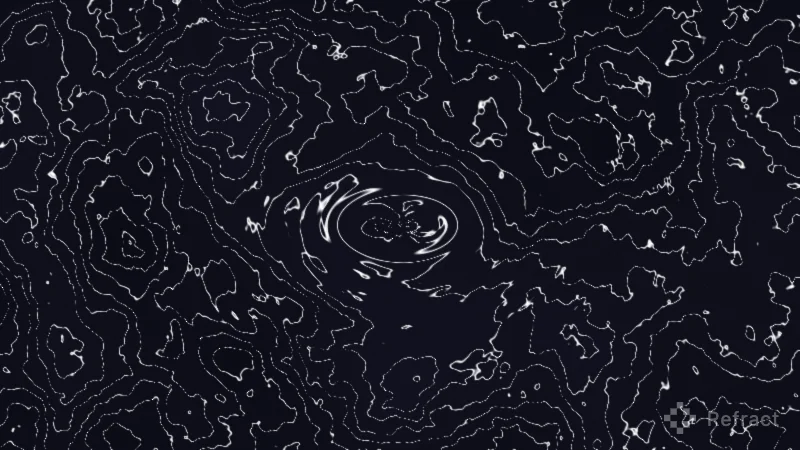
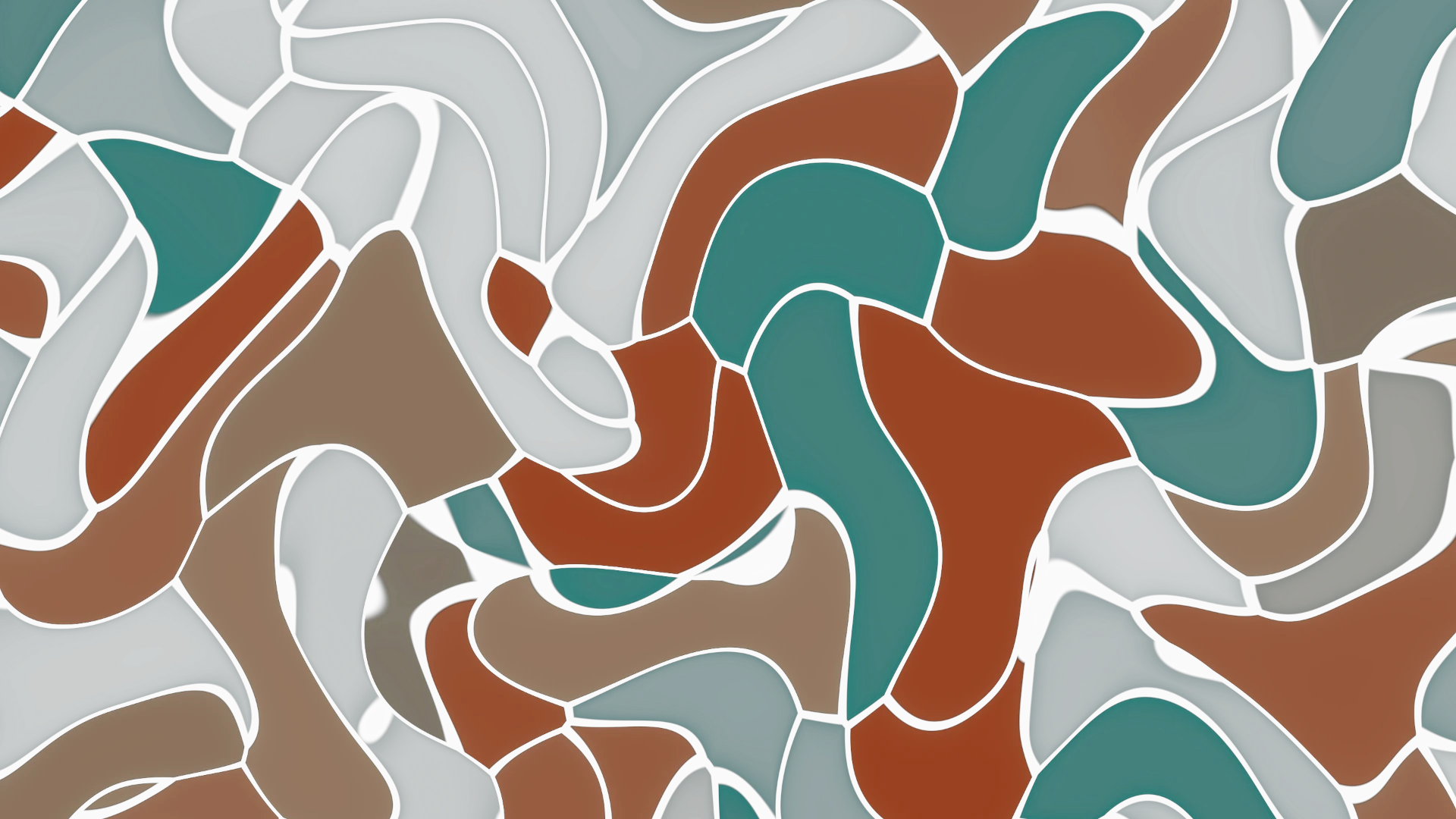
Gradients, noise, plasma, caustics, chrome, topographic contours, and more. Start from a preset, import your own SVG, or write custom GLSL.
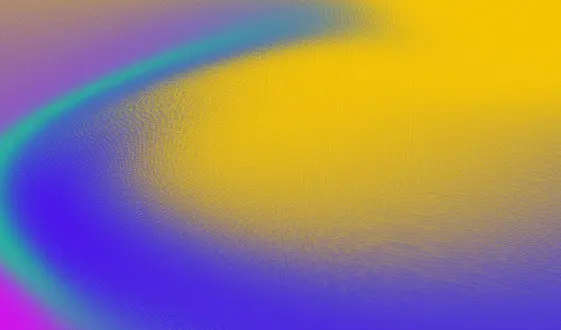
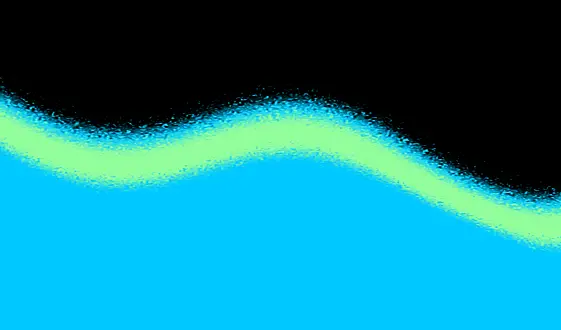
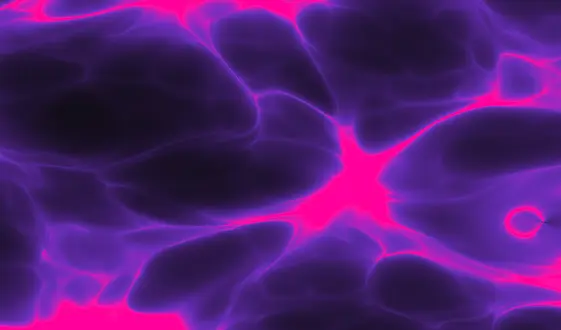
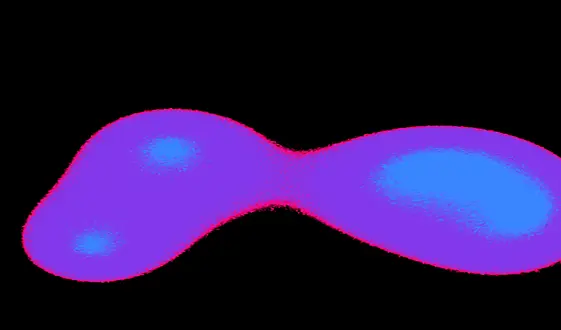

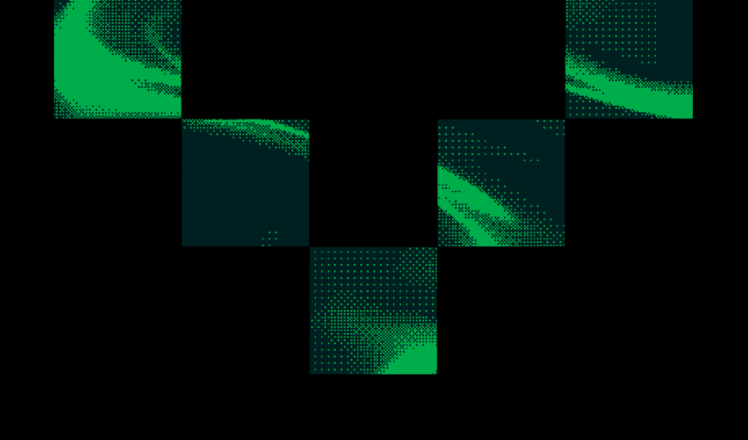
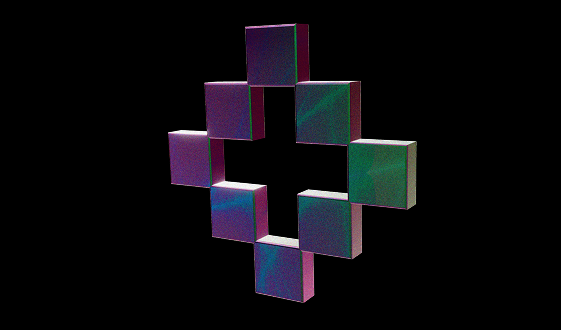
Add text, shapes, and 3D alongside your shaders, then animate them. Hover, click, scroll, and viewport triggers. Chain animations across layers and export the whole scene as one embed.

15 font families, custom font uploads, shapes, and colors. Position anything freely on the canvas alongside shader layers.
Mouse follow, repel, distort, pulse, and orbit. Click toggles, hover animations, scroll-driven motion, and viewport triggers.
Chain animations across layers for sequenced motion. 10 easing functions including spring, snap-back, and elastic. Ping-pong loops.
Text, shaders, 3D, interactions, animations. The entire scene exports as one embed you paste anywhere.

A full layer compositor. Stack shaders and images, blend them together, drag to reorder. Shader, image, vector fill, 3D, and effect layers in one canvas.

Import any SVG. Your logo, your wordmark, a custom shape. Fill it with a live shader. It responds to cursors, scroll, and time.

Import any SVG and Refract turns it into a 3D object. No modeling required. Apply any shader as the surface, add motion and interaction, and export the same embed.

Other tools give you knobs. Refract gives you the engine underneath. Every slider writes real GLSL. Open the code, edit it live, and annotate custom uniforms. The UI builds controls from your comments.
Type what you want in plain language. Refract generates shaders, scenes, and 3D compositions directly in the editor. Edit the result with the same visual tools. No prompt engineering, no copy-pasting code.
Refract has an MCP server with 23 tools. Claude Code, Cursor, and other AI coding tools can create shaders, compose scenes, set up animations, and manage your library from the terminal. The output is the same embed, not code you need to bundle.
No npm package. No SDK import. No build step. Paste an iframe and your site stays exactly as it was. Works in Webflow, Framer, React, WordPress, or plain HTML.

Every effect gets a live URL. Share it, preview it, or embed it directly.

Copy, paste, done. Works in Webflow, Framer, React, or plain HTML.

Grab a still in PNG, JPG, or WebP.

Record 3 to 15 seconds as WebM or MP4. Perfect for previews and social.
No credit card required. All presets, all features, all export formats on every plan.
All presets, all features, all export formats. Five saved projects to start.
Unlimited projects and clean embeds without the Refract watermark.
Everything in Pro plus native AI generation. Create effects, scenes, and 3D from natural language prompts.
Nothing enters your codebase, on any plan.